

Reference

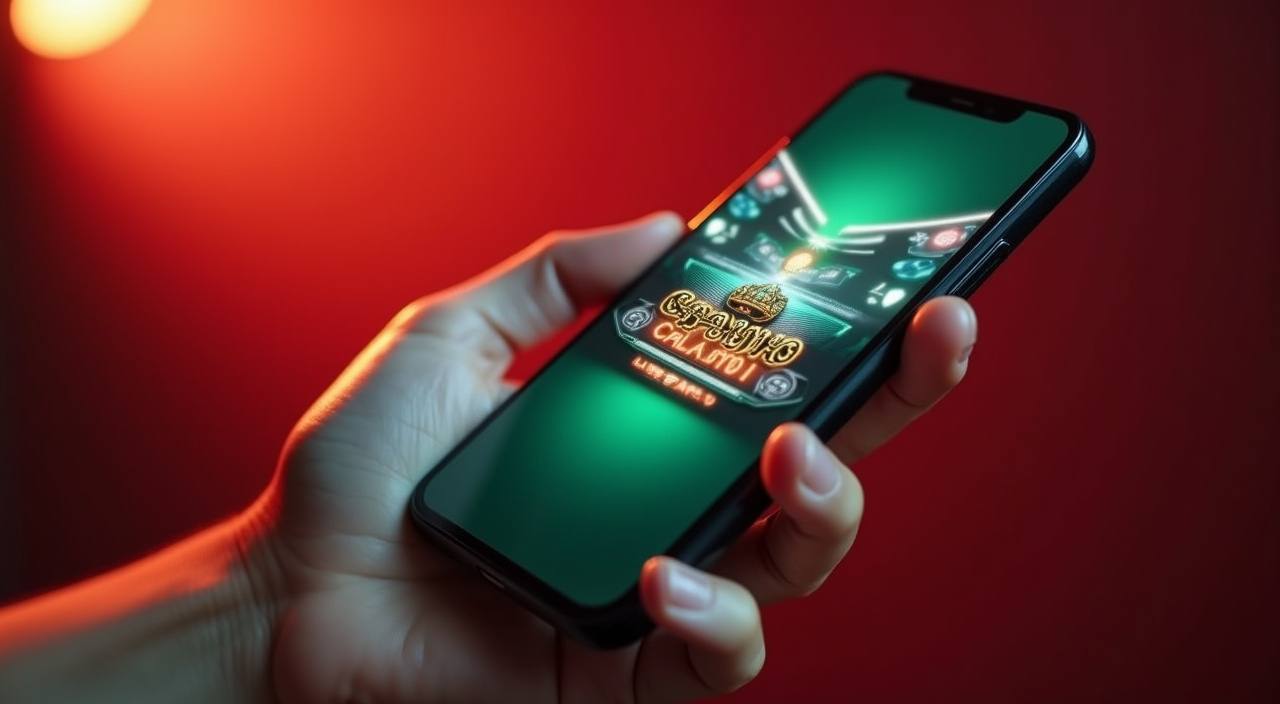
casino1 App for Android and iOS

Our app puts the full lobby on your phone — live tables from Evolution, crash games like Aviator, and your IPL and BPL betslip all in one place.

Android APKiOS CompatibleUnder 35 MBPush AlertsFingerprint Login
casino1 casino1 App for Android and iOS
APP FEATURE SET

Built-In Features That Save You Time

These are the things that make the app feel faster than a browser session — each one designed to keep you in the action rather than waiting around.

Fingerprint Login Skip the password every time. Register your fingerprint once and the app opens your account in under a second. Works on most Android devices running version 8 and above, plus Face ID on supported iPhones.
Push Notifications Get alerts when a live table you like opens, when your withdrawal clears, or when new slots from PG Soft or Pragmatic Play land in the lobby. You control which alerts stay on and which ones you mute.
Dark Mode Switch to dark mode for late-night sessions — easier on your eyes and lighter on your battery. The toggle sits in your profile menu so you can flip it any time without restarting the app.
Offline Lobby Preview Even when your data drops, the app shows your last loaded lobby so you can browse game categories and mark favourites. Once connection returns, everything syncs and you jump straight in.
Quick Deposit Widget A shortcut inside the app menu lets you deposit through bKash, Nagad or Rocket in three taps. No need to navigate to a separate payment page — the widget sits right beside your balance display.
Session Memory Close the app by accident or lose signal mid-hand? Session memory holds your place. Reopen and you return to the exact screen you left — whether that was a Teen Patti Mania table or your account page.
casino1 Slots, Live Tables and Betslip On the Go

Slots, Live Tables and Betslip On the Go

The casino1 app is built for the way you actually use your phone. Open it, tap your fingerprint, and you are inside the lobby — no browser tabs, no repeated logins. Notifications tell you when a new Pragmatic Play slot drops or when a cricket match you follow has live odds available. The betslip stays open while you switch between live baccarat

and the sportsbook, so you can place a bet on a BPL match and then check your Dragon Tiger hand without reloading anything. Quick deposit sits inside the app menu: pick bKash, Nagad or Rocket, confirm your PIN in the wallet app, and the funds show in your casino1 balance almost immediately. If your connection drops mid-session, the app holds your last

lobby state so you can pick up where you left off once signal returns. Dark mode keeps the screen easy on your eyes for late sessions, and the app uses less data than loading the full site in a browser.
HELP INSIDE THE APP

Support Channels Built Into the App

If something goes wrong during install or while using the app, here is how to reach us without switching to another device.

Team online

In-App Live Chat

Tap the chat icon in the bottom menu. A support agent handles account questions, deposit issues and technical problems. The chat window stays open even if you switch to another screen inside the app.

Email Support

Send a message from the app's help section and it goes directly to our support queue. Useful when you need to attach a screenshot of an install error or a transaction reference from bKash or Nagad.

Install Troubleshooting

The app page on casino1 includes a step-by-step section for common install problems — permission errors, storage warnings, and update failures. It covers both Android APK and the iOS home screen method.

APP SECURITY DETAILS

How We Keep the App and Your Account Safe

We distribute the APK directly through our own domain so you always get the verified file — no third-party stores, no repackaged versions floating around.

Code Signing Every APK release is digitally signed. Your phone verifies the signature before installing, which means tampered files get rejected automatically. This protects you from modified copies.
Direct Distribution We host the download on casino1 only. There is no third-party marketplace copy, so you know exactly where the file comes from and that it has not been altered.
Encrypted Sessions All data between the app and our servers travels through encrypted channels. Your login, deposits and withdrawal requests are protected the same way bank apps handle traffic.
Account Recovery If you lose your phone or reset it, your account is safe. Sign in on a new device with your credentials — your balance, transaction history and favourite games reload instantly.
Biometric Layer Fingerprint or Face ID adds a physical layer to your login. Even if someone knows your password, they cannot open the app without your registered biometric on the device.
Auto-Update Patches Security patches push to your app automatically. You do not have to check for updates manually — the next time you open, the latest protections are already running.
casino1 Install in 3 Steps on Any Android Phone

Install in 3 Steps on Any Android Phone

The APK file is small — under 35 MB — so even on slower mobile data it downloads in a minute or two. iOS users can add the progressive web version to their home screen for the same shortcut experience. Here is how Android installation works from start to finish, with no app store needed. Once installed, the app updates itself quietly

in the background whenever a new version is available, so you always have the latest lobby and security patches without doing anything manually. If you already have an account, just sign in after install; your balance and history carry over automatically.

  • Download the APK — Visit casino1 on your phone browser and tap the download button on the app page. The file saves to your Downloads folder.
  • Allow Unknown Sources — Your phone will ask permission to install from outside the store. Go to Settings, then Security, and toggle on installs from your browser. This is a one-time step.
  • Open and Sign In — Tap the APK file to install, then open the app. Sign in with your existing casino1 credentials or create a new account. Set up fingerprint login so future opens are instant.
DEVICE REQUIREMENTS

Compatibility Across Android and iOS Devices

We keep the app lightweight so it runs well on the phones most people in Bangladesh actually use — you do not need a flagship device.

Method Payout time Speed
Android Version Requires Android 8.0 (Oreo) or higher. Most Samsung, Xiaomi, Realme and Oppo phones sold in the last four years will run it without issues. Fast
iOS Version The progressive web app works on Safari 14 and above, covering iPhone 8 and newer. Add it to your home screen for a full-screen experience identical to a native app. Fast
RAM and Storage The app needs around 35 MB of free storage and runs smoothly on devices with 2 GB RAM or more. Cached lobby data may use an additional 20-30 MB over time. Medium
Network Works on 4G, 5G and Wi-Fi. Live dealer streams need a stable connection of at least 1 Mbps; slots and crash games like Aviator run fine on slower data. Medium
Supported Regions Access depends on your local law and eligible regions. The app detects your location at login and shows available features accordingly. Slow

App Experience Compared to Mobile Browser

Both ways work, but the app gives you shortcuts the browser cannot. Here is what changes when you switch from Chrome or Safari to the dedicated casino1 app.

Login Speed
The app uses fingerprint or face recognition — one tap and you are in. On browser, you type your username and password each time unless you rely on a saved autofill that sometimes fails.
Notifications
Push alerts from the app land on your lock screen the moment a withdrawal clears or a live table opens. Browser tabs cannot send native push notifications on most Android phones.
Data Usage
The app caches lobby images and game thumbnails after first load, so repeated visits use less data. A browser reloads the full page assets every session, costing more bandwidth over time.
Session Stability
If your signal drops briefly, the app holds your session and reconnects without losing your place. A browser tab may reload entirely, kicking you out of a live Roulette Red Green hand.
Multi-Tasking
Switch to your bKash app to confirm a deposit, then swipe back — the casino1 app remembers exactly where you were. Browser tabs often refresh in the background and lose your position.
Screen Real Estate
The app runs full screen with no address bar or browser toolbar. You get more visible area for live dealer streams and slot reels, especially on smaller phones common in Bangladesh.

Frequently Asked Questions About the casino1 App

Real questions from people installing and using the app for the first time — answered directly.

Yes. The APK download from casino1 costs nothing. There are no subscription fees or in-app charges for using the app itself — you only spend what you choose to deposit into your account.

All three work inside the app through the quick deposit widget. Pick your wallet, enter the amount, confirm with your PIN in the wallet app, and the balance reflects in your casino1 account within moments.

We offer a progressive web version for iOS. Open casino1 in Safari, tap the share icon, then choose Add to Home Screen. It launches full screen and behaves like a native app with quick access to the full lobby.

No. Your account lives on our servers. Uninstalling removes only the app file from your phone. Reinstall, sign in again, and your balance, bet history and favourite games all come back.

The app checks for updates each time you open it. When a new version is available, it downloads in the background and applies the next time you restart. No manual action needed from your side.

We optimise the app to use minimal background processes. Live streaming tables use more power, similar to watching a video, but slot games and general browsing draw very little. Dark mode helps reduce screen power too.

Yes. Aviator, Cricket Hotlines and other crash-style games run natively inside the app. The lightweight graphics load quickly even on mid-range phones, and the multiplier display updates in real time without lag.

The app holds your session for a short window. If you reconnect within that time, you return to the same hand or round. If the disconnect lasts longer, the round resolves according to standard rules and results show in your history.

No, it is optional. You can keep using your username and password if you prefer. Fingerprint or Face ID simply makes reopening the app faster — useful when you check odds or balances several times a day.

Android warns you whenever you install an APK from outside the Google Play Store. This is standard behaviour. Allow the install from your browser in Settings, then proceed — the file is code-signed and verified by our domain.